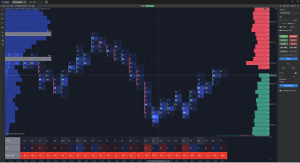
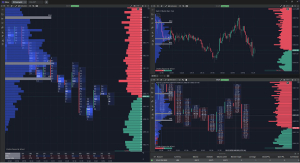
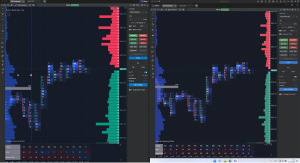
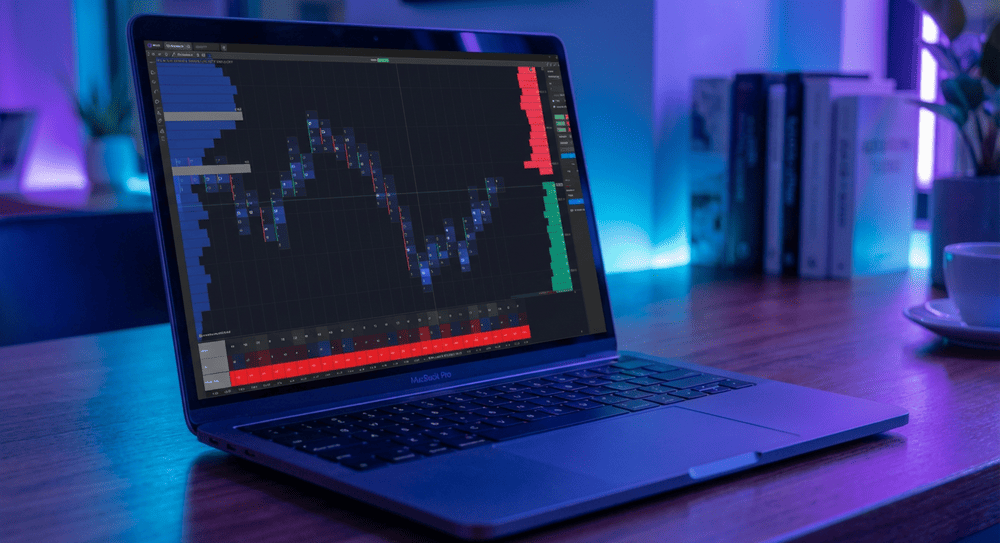
Early access to the ATAS X (Beta) version is available to all users with an active Ultra subscription plan.
Access continues as long as your subscription remains active.
Download ATAS X (Beta)
Get access to testing the new version
for Windows and macOS
By downloading our software,
you agree to the Terms of Use
and the Privacy Policy
What is ATAS X
-
A New Perspective on Speed
ATAS X works significantly faster than the classic version. Program launch and workspace loading are 2.5 times faster. The interface is more responsive than ever—the new version reacts instantly to every action, ensuring no market detail escapes your attention.
-
Architecture of Lightness
We’ve reimagined and rebuilt ATAS from the ground up. ATAS X combines the functionality you value with cutting-edge technology. Thanks to its next-generation engine and lightweight architecture, the new version is incredibly fast.
-
Compatibility with Your System
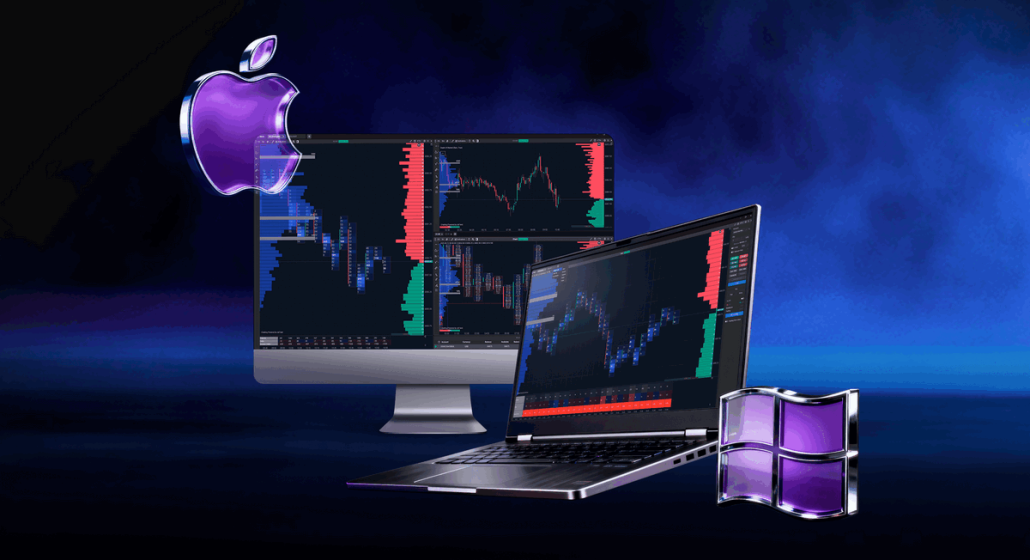
For the first time, ATAS is truly cross-platform. We’ve built a universal foundation so you can enjoy the power of ATAS X on both Windows and macOS. Your experience will be seamless, whatever device you prefer.
Become a Co-Author of the Future
ATAS X is a living organism that evolves with your feedback. We actively respond to suggestions and comments — updates with new features and fixes are released every week. Together, we’ll build an analytical platform that not only works but also inspires.
The new version is not a complete replica of classic ATAS. Some familiar modules may be missing — but they could be added soon. Certain features may be absent or have rough edges — that’s why your feedback matters so much. Your input shapes tomorrow’s functionality!
How to Get Access
Installation Guide
-
Operating System:
• macOS Tahoe or later
• Windows 10 or laterCompatible macOS models:
• iMac Pro — 2017
• MacBook Pro, MacBook Air, Mac mini — 2018 or newer
• Mac Pro, iMac — 2019 or newer
• Mac Studio — 2022 or newerProcessor:
• Apple Silicon: M1 or newer
• Intel® Core™ i5-6600 / i5-7500 / i3-8100
• AMD Ryzen 5 1600
or more recent modelsRAM:
• 8 GB or moreStorage:
• 80 GB or moreGraphics:
• Support for DirectX 11 and OpenGL 4.0
• 4 GB of VRAM or moreInternet Connection:
• Minimum 30 MbpsOnline Data:
To receive online data, a connection to third-party providers is required:
– Cryptocurrencies: Binance, Bitfinex, Bitget, BitMEX, Bybit, Kraken, OKX, Phemex, Whitebit
– Stocks: CQG, CTS, MT5, Ninja Trader, Rithmic, TAI-PAN, Trading Technologies, Quik, Transaq
– Futures: CQG, CTS, dxFeed, Exante, Interactive Brokers, IQFeed, MT5, Ninja Trader, Rithmic, TAI-PAN, Trading Technologies, Quik, Transaq -
Read and confirm your agreement with the License Agreement
-
macOS:
1. Download the installation file ATASX.dmg
2. Open the file and drag the application to the Applications folder
3. Launch ATAS X from Applications -
Windows:
1. Download and run the .exe installation file
2. Choose the folder where you want to install the program (default is C:Program Files (x86)ATAS Platform)
3. Complete the installation and launch ATAS X
FAQ
-
Early access to the new super-fast version will be granted to users who purchase any Ultra plan during the promotion until December 30, 2025.
Access will also be granted to all users who previously purchased Ultra plans. This is our way of thanking you for your trust in ATAS!
The third category is users who continue testing ATAS X from the early stages and actively share feedback. We are grateful for your initiative, patience, and help in improving the new version!
-
No, you cannot transfer a workspace from the classic version to the new one — they have different structures.
However, there is a solution! You can save each chart’s settings in your workspace as a separate template, then import the templates into ATAS X (Beta).
-
Yes, you can use both versions of the analytical platform simultaneously. The only requirement is that ATAS and ATAS X (Beta) must be launched from the same IP address.
-
Yes, but it will take time. We plan to transfer the most in-demand modules to the new version first. Less popular specialized functionality will be transferred later.
-
Along with early access to ATAS X (Beta), you get access to a Telegram bot where you can share your experience to help us develop the new version and add truly useful features. Developers will use your feedback when preparing upcoming updates. Your feedback is very important to us!
You can also use the main menu buttons “Contact support x.support@atas.net” to connect directly with ATAS managers without leaving your workspace.