Get access to testing the new version for Windows and macOS
By downloading our software, you agree to the Terms of Use and the Privacy Policy
The Future of Volume Analysis Is Already Here
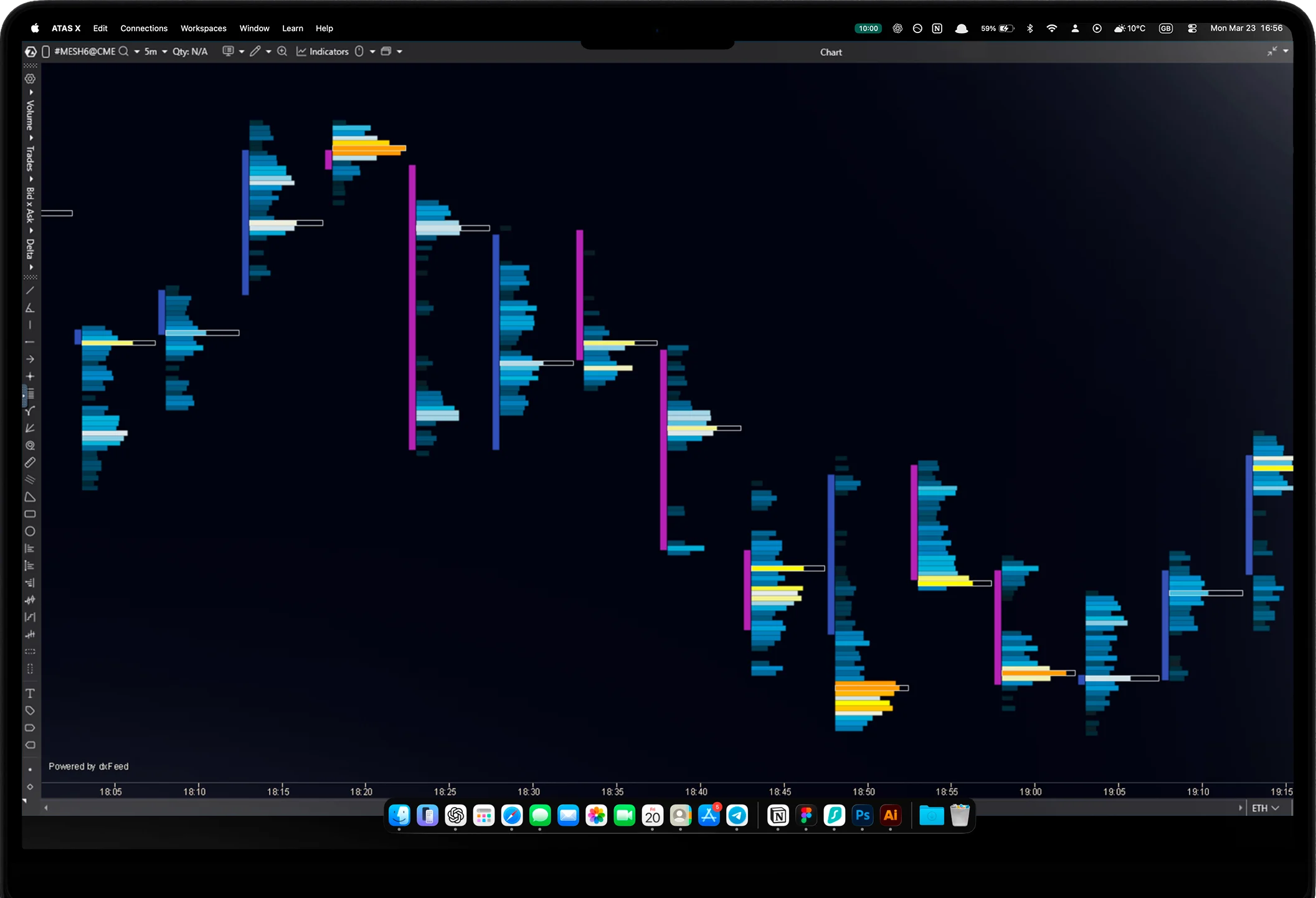
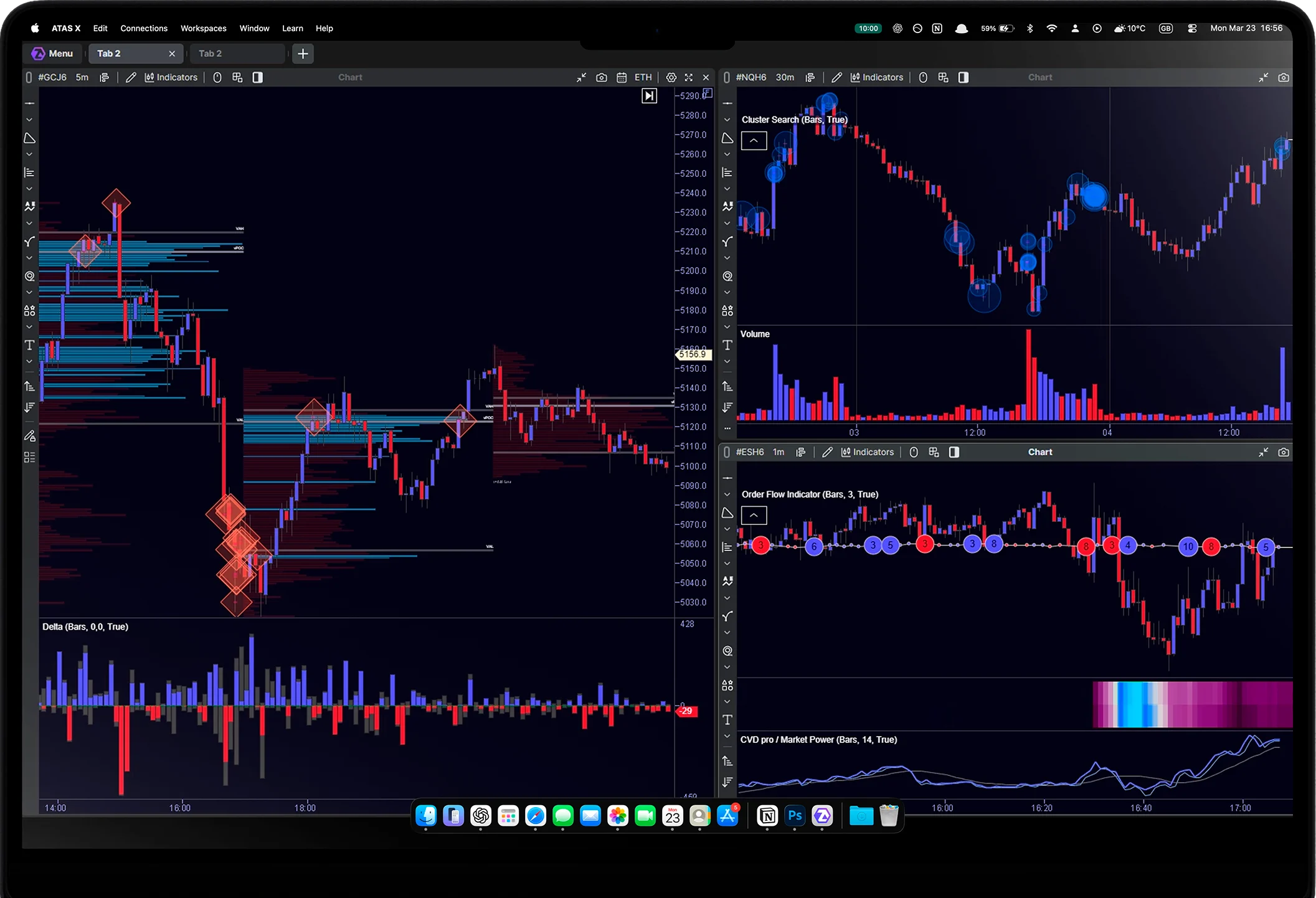
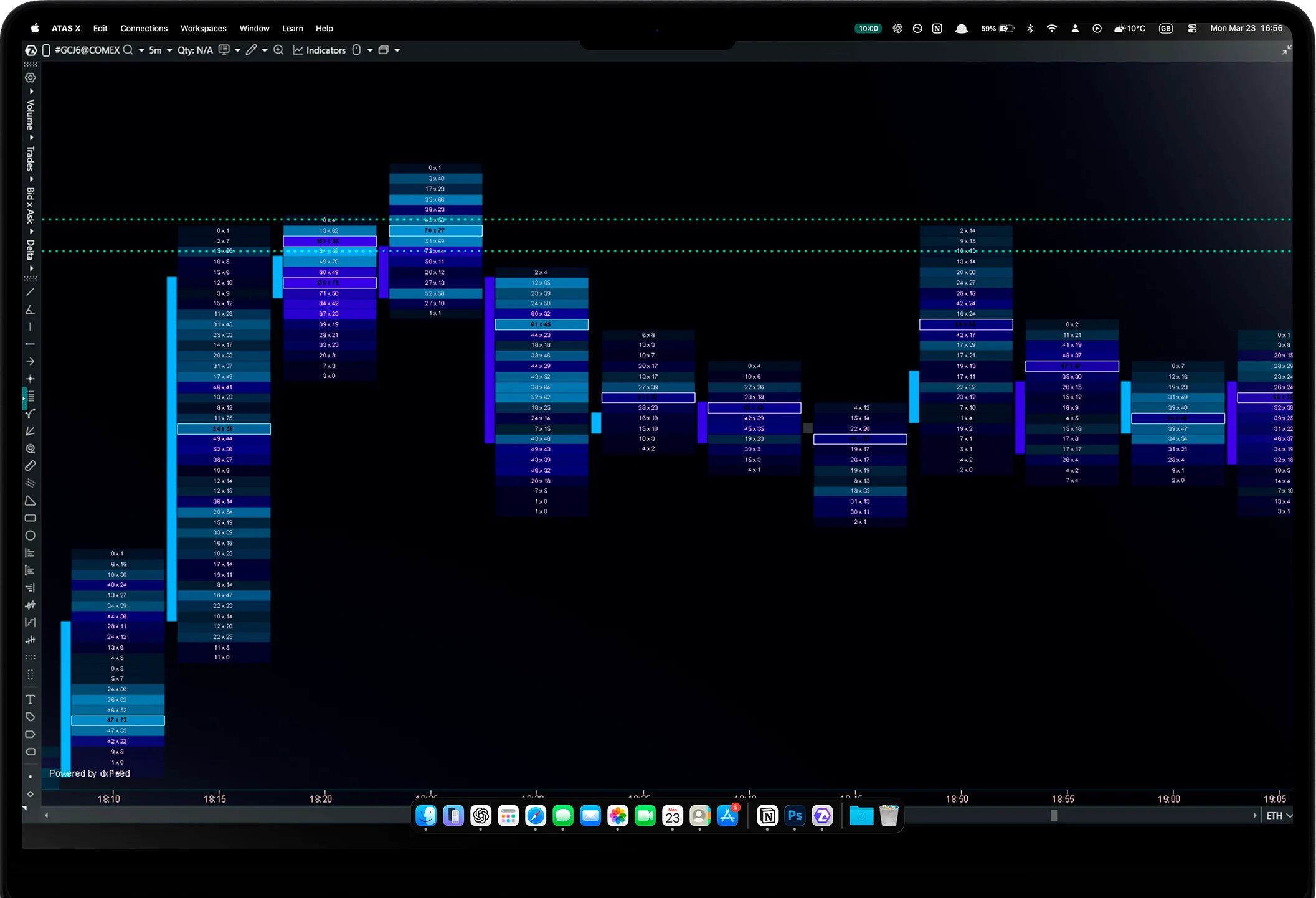
An early version of the analytics platform for Windows and macOS, rebuilt from the ground up. Experience remarkable speed and a new way of engaging with the market.




Installation Guide
-
Operating System:
• macOS Tahoe or later
• Windows 10 or laterCompatible macOS models:
• iMac Pro — 2017
• MacBook Pro, MacBook Air, Mac mini — 2018 or newer
• Mac Pro, iMac — 2019 or newer
• Mac Studio — 2022 or newerProcessor:
• Apple Silicon: M1 or newer
• Intel® Core™ i5-6600 / i5-7500 / i3-8100
• AMD Ryzen 5 1600
or more recent modelsRAM:
• 8 GB or moreStorage:
• 80 GB or moreGraphics:
• Vulkan API support: make sure you have the latest graphics card drivers installed
• DirectX 11 or OpenGL 4.0 support
• 4 GB VRAM or moreInternet Connection:
• Minimum 30 MbpsOnline Data:
To receive online data, a connection to third-party providers is required:
– Cryptocurrencies: Binance, Bitfinex, Bitgeе, Bybit, Kraken, OKX, Phemex, Whitebit
– Stocks: CQG, CTS, MT5, Ninja Trader, Rithmic, TAI-PAN, Trading Technologies, Quik, Transaq
– Futures: CQG, CTS, dxFeed, Exante, Interactive Brokers, IQFeed, MT5, Ninja Trader, Rithmic, TAI-PAN, Trading Technologies, Quik, Transaq -
1. Download the installation file ATASX.dmg
2. Open the file and drag the application to the Applications folder
3. Launch ATAS X from Applications -
1. Download and run the .exe installation file
2. Choose the folder where you want to install the program (default is C:\Program Files (x86)\ATAS Platform)
3. Complete the installation and launch ATAS X
FAQ
-
ATAS X (Beta) is available to all ATAS users, regardless of subscription plan.
-
Access to the classic version of ATAS will remain unchanged.
ATAS X (Beta) and the classic version are two parallel environments. Purchasing a Plus, Pro or Ultra plan during the promotion opens access to both products. You can use the classic version for your regular work while exploring the capabilities of the new version for Windows and macOS.
-
Yes, you can transfer a workspace from the classic version to the new one. You can also save each chart’s settings in your workspace as a separate template and then import those templates into ATAS X (Beta).
-
Yes, you can use both versions of the analytical platform simultaneously. The only requirement is that ATAS and ATAS X (Beta) are launched from the same IP address.
Please note: Sim connectors can only be active in one of the analytical platforms at a time. To avoid conflicts and connection drops, use Sim connectors either in the classic version or in ATAS X (Beta).
-
Yes, but it will take time. We plan to transfer the most in-demand modules to the new version first. Less popular specialized functionality will be transferred later.
-
You can use the main menu buttons “Contact support x.support@atas.net” to connect directly with ATAS managers without leaving your workspace.