


Official Release

ATAS Heatmap (Beta) — May 19, 2026

A New Perspective on Liquidity
May 19, 2026 The new Heatmap (Beta) module will be available to all users in:
00 Days
:
00 Hours
:
00 Minutes
:
00 Seconds

Register now!

Get a ready-made template with settings on release day

What's new in Heatmap?

Liquidity Analysis Without Compromise

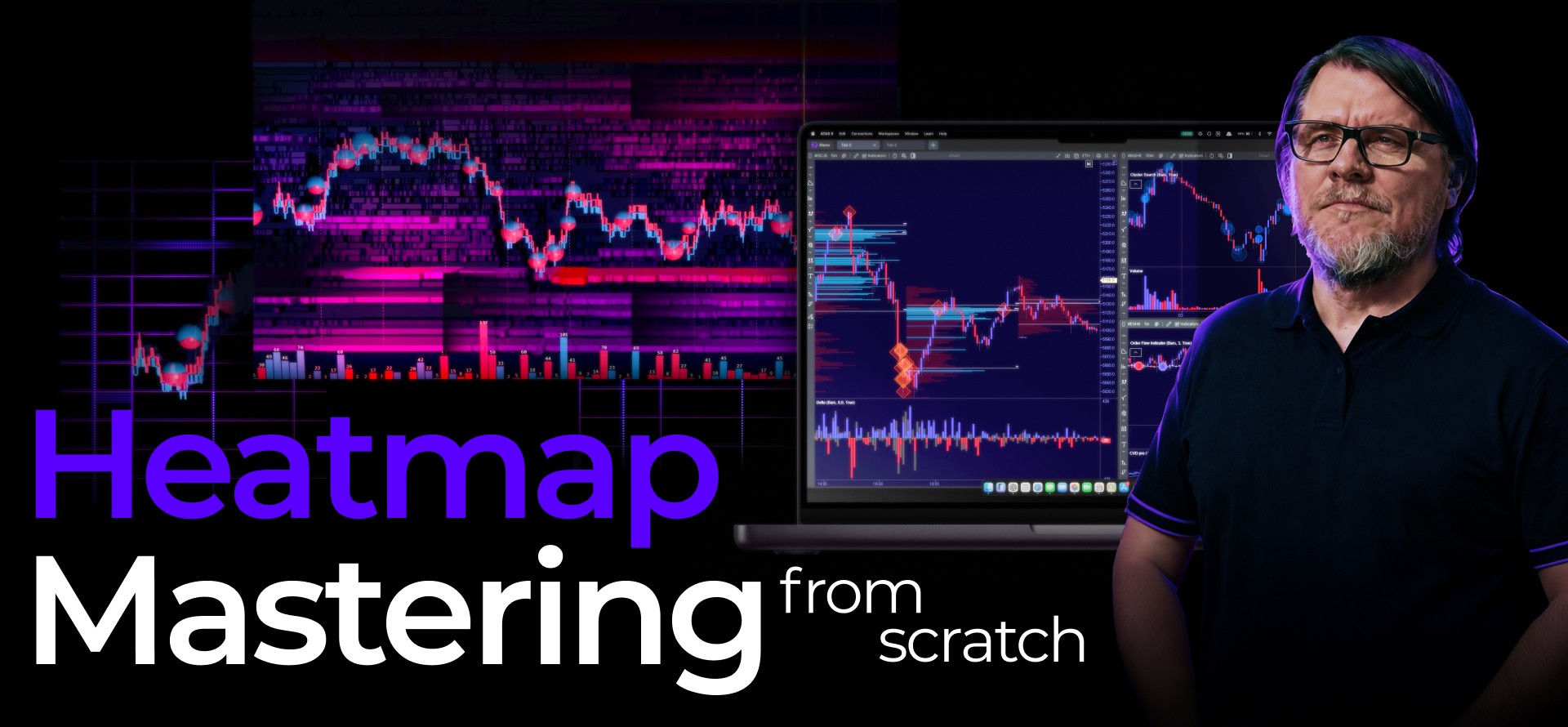
We've rethought how you work with liquidity. The heatmap has evolved from an auxiliary mode into a powerful standalone module — with clarity, speed, and visualization that wasn't possible before.

01

Configuration Freedom

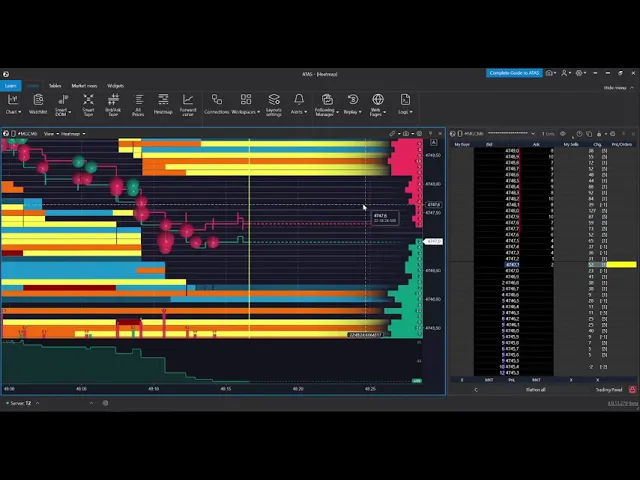
Heatmap has gone beyond DOM Levels and DOM Trader. It's now an independent module: use it standalone or link it with any other tools — footprint charts, the order book, and more. Overlay indicators directly on the heatmap. Scale and scroll are synchronized — all components of your workspace move together.

02

Speed and precision

600+ FPS on GPU. Performance is limited only by your hardware. The smallest changes in the order book are displayed instantly — the map moves smoothly at any volatility. Soft color transitions help you focus on liquidity movement without visual noise. Microstructure-level detail — so you can analyze details that were previously out of frame.

03

Liquidity in 3D

Forget flat charts. Switch on 3D mode and literally look ""inside"" the market: each liquidity level gains volume — you see not just a color, but the concentration of orders in space. Track aggressive trade activity with Bubbles directly on the map in real time. Choose from 20+ color schemes — matched to your monitor, lighting, and analysis style.

Heatmap Through the Traders Eyes

First users got access to Heatmap (Beta) as part of the spring promotion — and have already taken it for a test drive. No scripts, just real impressions — see for yourself:

Want to launch Heatmap (Beta) as quickly as possible without spending time on setup?

Register — and get a ready-made template on release day.

Claim a Bonus

Share Your Experience — Get 30 Extra Days to Subscription

Already tried Heatmap (Beta)?

Record a short video review — tell us how the new module has enhanced your workflow — and receive 30 days added to your subscription as a gift

Share your experience
UGC

FAQ

  • On May 19, the Heatmap module will be available to all users. Simply update ATAS to version 8.0.13 — the launch button will appear in the main menu automatically. The release will include improvements based on feedback from early users.

  • Just update ATAS to version 8.0.13. Access will open automatically — no additional steps required. And if you want to start without extra setup — register and get a ready-made template on release day.

  • Yes, from May 19 the Heatmap module is available on all ATAS subscription plans, including the free Start plan.

  • Access to Heatmap (Beta) is already open if you:

    • hold a Lifetime license;
    • purchased a promotional subscription as part of the spring promotion.

    Simply update ATAS to version 8.0.13 — the Heatmap button will appear in the main menu automatically.

  • Yes, the module is available in both versions of the analytics platform — in classic ATAS for Windows and in ATAS X (Beta) for Windows and macOS.

  • Yes, the familiar tools aren’t going anywhere. The new Heatmap is an independent module with expanded features that you launch separately.

Heatmap (Beta)
Release May 19

Enter your email (your ATAS login)

or

Join our сhatbots